



- Room 1807, Unit 9, Building 2, Shangxing Commercial Street, Shangde Road, Shangxing Community, Xinqiao Subdistrict, Bao'an District, Shenzhen City, China
CONTACT US

WhatsApp


Contact Us
Our team is on stand by, waiting toassist you.

Videos
A large collection of educational videos and tutorials.

About Us
Learn about our company, leadership, and mission totransform manufacturing.

Privacy Policy
Applies to all personal information collected through and/or processed in connection.

Aerospace & UAV
WJ Prototypes is your 3D manufacturing partner from prototype to large scale production.

Consumer Electronics
New Product Introduction Solutions for Consumer Electronics.

Robotics & Automation
Need some assistance bringing your robotic device or parts from the sketch-board to reality?

Medical Devices
The medical industry needs high quality, dependable and safe parts and products.

Automotive
New Product Introduction Solutions for Automotive

Industrial Machinery
The main purpose of industrial prototyping is to take the product from drawings into the real world.
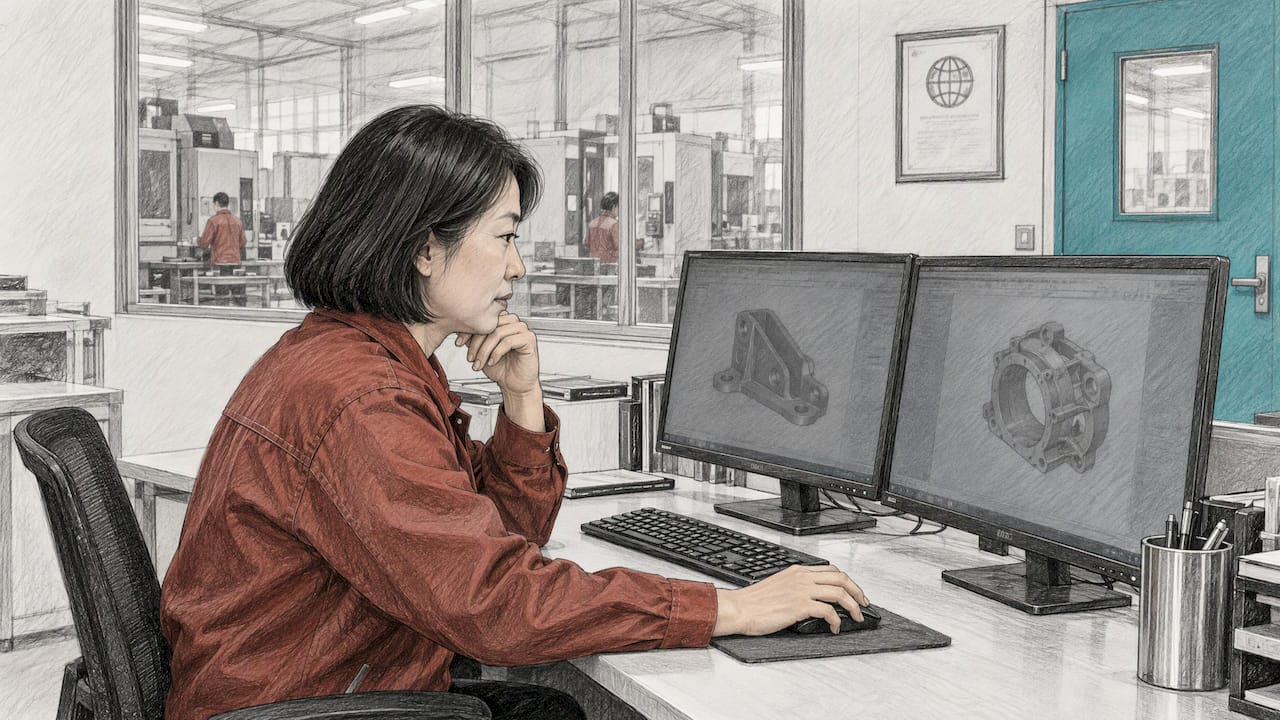
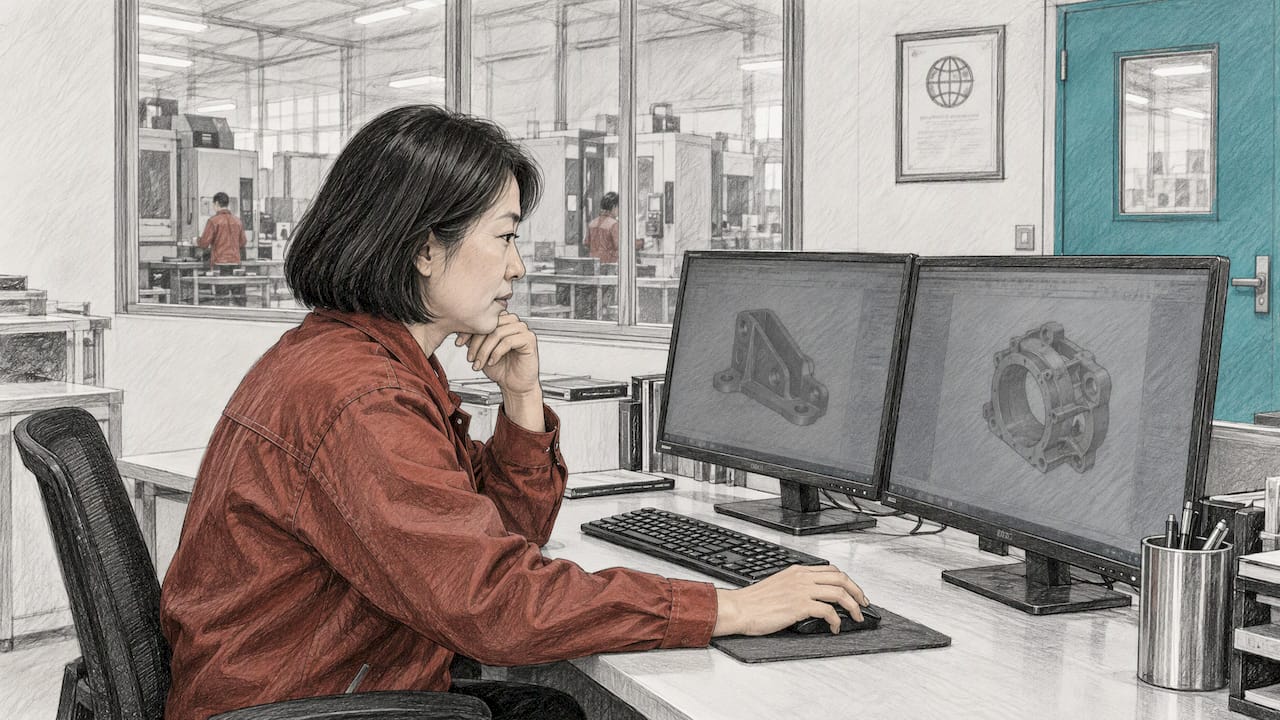
Choose SOLIDWORKS if you design large assemblies, need deep simulation, or work in a supply chain that already runs on it. Choose Autodesk Fusion (still widely called Fusion 360) if you are a small team that wants CAD, CAM and cloud collaboration in one lower-cost subscription. Either tool can produce a part that is ready to be made. What decides the outcome is how cleanly the design moves into machining, printing, casting or sheet metal, and that is the lens this comparison uses. When your model is ready, our 3D printing service and the other processes we run give you a quote online, with no minimum order quantity.
Price: Autodesk lists Fusion at $680 per user per year. SOLIDWORKS Design starts at $2,820 per year for Standard, so Fusion costs roughly a quarter as much at entry level.
Assemblies: SOLIDWORKS stays responsive with far larger assemblies. Fusion is comfortable for small and mid-size products and slows as component counts climb into the hundreds.
Manufacturing: Fusion puts CAM in the same window as the model. SOLIDWORKS CAM ties toolpaths to model features so design changes update the program.
Data and compliance: SOLIDWORKS keeps files local and adds PDM for controlled release. Fusion stores data in Autodesk’s cloud by default.
Whichever you pick: design for the process that will make the part. That choice moves cost and lead time more than the software logo does.
The two programs come from different eras. SOLIDWORKS is a desktop-installed parametric modeler with decades of mechanical-design development behind it. Autodesk describes Fusion as cloud-based design, engineering, electronics and manufacturing software that combines 3D CAD, CAM, CAE, PCB and data management. SOLIDWORKS now also offers cloud collaboration, but its core remains a locally installed application.
Criterion | SOLIDWORKS | Autodesk Fusion (Fusion 360) |
|---|---|---|
Architecture | Locally installed, cloud services optional | Cloud-native, data on Autodesk’s cloud by default |
Entry price (US, commercial) | $2,820/year (Standard) | $680/year |
Large assemblies | Purpose-built tools (SpeedPak, lightweight modes) | Slows noticeably as counts grow |
CAM | SOLIDWORKS CAM, feature recognition | Integrated in the same window |
Simulation | Deeper options in Professional and Premium | Included in higher-tier subscriptions, strong for simple studies |
Electronics | ECAD-MCAD collaboration; harness tools in Premium | Schematics and PCB layout inside the platform |
Best fit | Complex products, regulated and established supply chains | Startups, small teams, design-to-machining workflows |
SOLIDWORKS lists US single-user commercial Design subscriptions at $2,820 per year for Standard, $3,456 for Professional and $4,716 for Premium, excluding local taxes. Standard covers parts, assemblies, drawings, specialized weldment, mold and sheet metal tools, secure cloud file and revision management, additive manufacturing and NC programming. Professional adds photorealistic rendering, tolerance stack-up, cost estimation and CAD standards checking. Premium adds electrical and harness design, piping, and linear-static and motion analysis.
Autodesk lists the core commercial Fusion subscription at $680 per user per year with a 30-day free trial. The bundles are priced higher. According to Autodesk’s subscription types page, Fusion for Manufacturing is $2,040 per year and adds advanced 3-, 4- and 5-axis machining, nesting and additive capabilities. Fusion for Design is $2,190 per year and adds the Design, Simulation and Manage extensions. The same page lists an approved-startup license at about $150 for a three-year term.
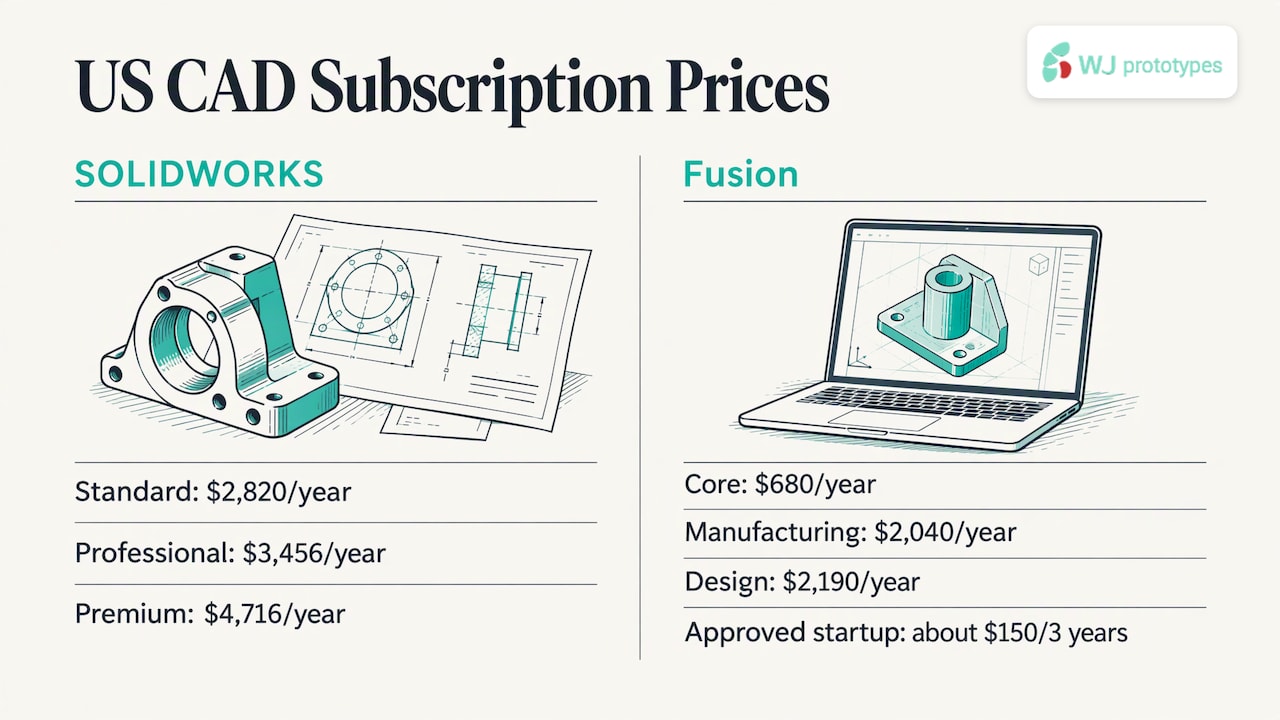
That changes the math. If you need five-axis machining and advanced simulation, a fully loaded Fusion seat lands in the same range as a SOLIDWORKS Standard seat. If you only need solid modeling, drawings and basic CAM, Fusion is far cheaper. Prices change, so confirm them on the vendor pages before you buy.
One cost often missed on the SOLIDWORKS side is data management. One comparison puts PDM at $2,000 to $4,000+ per seat on top of the CAD license, though SOLIDWORKS also now includes cloud file and revision management in its base plans.
For sketch-driven mechanical design, SOLIDWORKS is the more established tool. Its feature tree, sketch constraints, mates and drawing tools are mature, and independent comparisons describe its parametric modeling as deeper and more stable. Fusion is simpler to pick up and adds direct modeling, which is handy for quick edits to imported geometry. Engineers who know one tool can usually pick up the other within days, because the interface conventions overlap.
Surfacing splits along style lines. SOLIDWORKS offers advanced but more technical surface tools. Fusion’s T-Spline environment is more intuitive for freeform, organic shapes such as housings and ergonomic grips. Neither replaces dedicated Class-A surfacing packages, but for most enclosures and consumer products both are enough.
What matters for manufacturing is the geometry you export. Clean solids, sensible fillets and consistent wall thickness make parts cheaper to produce in any process, regardless of which CAD built them. Our guide to designing CNC milled parts covers the rules that apply in either program.
This is where the tools separate most clearly. SOLIDWORKS includes large-assembly tools such as Large Design Review, lightweight and resolved modes, and SpeedPak. A March 2026 CadShift comparison gives approximate smooth-interactivity ranges of 2,000 to 4,000 unique SOLIDWORKS components with SpeedPak, against roughly 300 to 500 for Fusion. Other comparisons report Fusion slowing sooner, so treat the figures as guidance that depends on your hardware and how complex each part is.
For most prototype work this ceiling does not matter. A robotic gripper, a medical handheld, a sensor housing or a pump assembly rarely approaches hundreds of unique parts. If your product is a full machine with thousands of components, SOLIDWORKS is the safer pick.
Hardware matters too. SOLIDWORKS publishes system requirements of Windows 11 64-bit, 16 GB RAM minimum with 32 GB recommended, and certified graphics cards. Fusion runs its heavy lifting in the cloud, which suits teams on mixed laptops, but you need a reliable connection.
Fusion’s biggest pull for prototyping teams is that CAM sits next to the model. Per Morphos3D, the base product includes 2.5- and 3-axis milling and turning, while 3+2 and simultaneous multi-axis work needs the paid Machining Extension. Autodesk says that extension covers 2D to full 5-axis machining, automated programming, in-process probing and editable post-processors.
SOLIDWORKS CAM is powered by the CAMWorks engine and uses feature recognition to find holes, pockets and faces. Toolpaths reference the model and update when the design changes. That helps shops running a full CAD-to-CAM-to-ERP chain, according to the same Morphos3D comparison.
Simulation follows a similar pattern. Fusion’s higher-tier plans cover stress, thermal, modal and shape-optimization studies, and for simple linear static cases results are comparable to SOLIDWORKS Simulation. For nonlinear materials, large deformation, contact and fatigue, SOLIDWORKS Simulation offers more analysis types and more mature post-processing.
Here is the point many comparisons skip. Many prototype teams do not machine, print or cast in-house. They need a CAD model, a drawing and a manufacturing partner. In that workflow, in-house CAM is a bonus, not a requirement, and the question becomes how fast a finished model turns into parts you can hold.
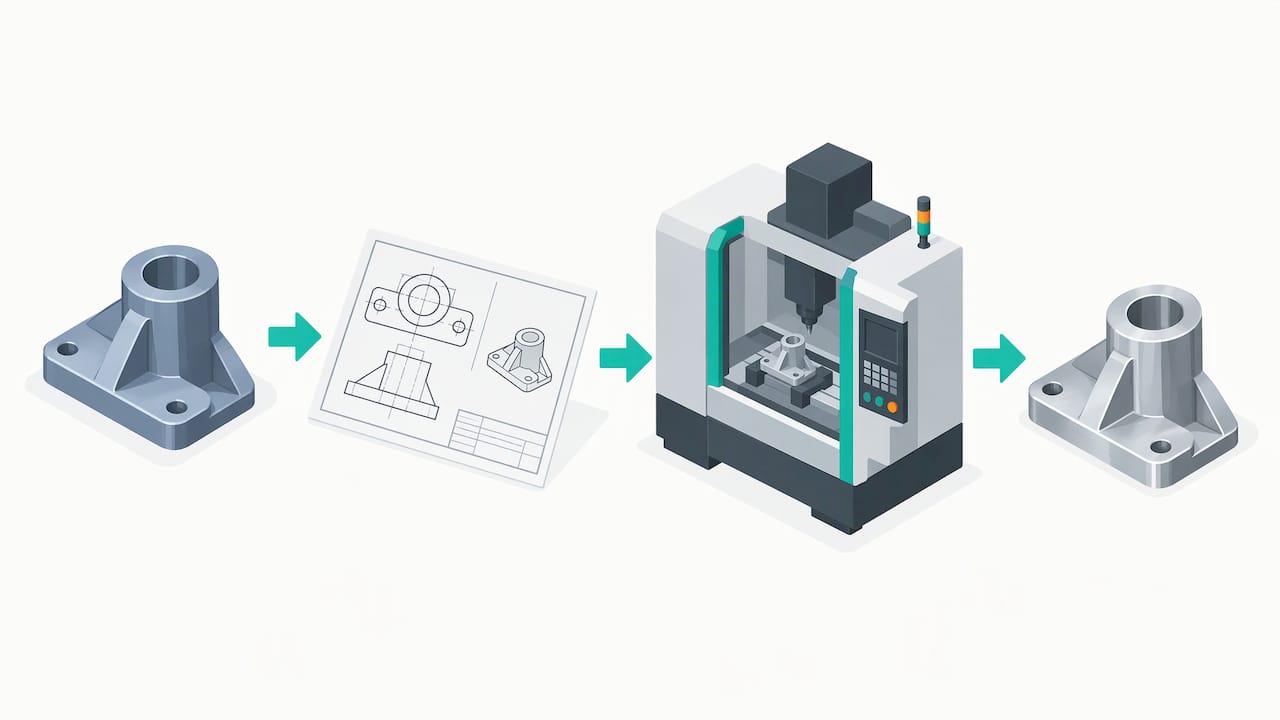
Fusion handles collaboration natively: shared projects, automatic version history and browser-link design reviews. SOLIDWORKS Design is locally installed, supports named-user installation on multiple devices and can work offline for up to 30 consecutive days, connecting to the 3DEXPERIENCE platform for cloud collaboration.
Data location is a real decision for some teams. Fusion keeps data on Autodesk’s cloud by default, which suits distributed teams. Morphos3D notes that it can be a headache for shops that want files on their own server or handle ITAR or other controlled data. SOLIDWORKS keeps files local and adds PDM for vaulting and release control.
Regulated industries lean the same way. SOLIDWORKS PDM provides version control, approval workflows and audit trails that medical device makers working under FDA design controls (21 CFR Part 820), aerospace suppliers under AS9100 and automotive suppliers under IATF 16949 are expected to demonstrate, according to MiniCAD. Check your own quality system and customer requirements before committing.
The pattern across comparisons is consistent. Aerospace and defense suppliers often sit in SOLIDWORKS pipelines because their customers do. Hardware startups value Fusion’s speed and bundled manufacturing. Teams with large assemblies, deep simulation needs and an established SOLIDWORKS talent pool tend to stay put.
Startup building a first product: Fusion. Lower entry cost, integrated CAM, and a startup license option.
Machine builder or special-equipment shop: SOLIDWORKS. Assemblies grow, drawings matter, and the talent pool is deep.
Medical or aerospace supplier with audits: SOLIDWORKS with PDM, unless your customer specifies otherwise.
Electronics-heavy product: Fusion, because schematics and PCB layout live in the same platform as the mechanical model.
Sheet metal enclosure work: SOLIDWORKS has the more mature sheet metal and documentation tools, per the comparisons above, though Fusion also offers sheet metal modeling.
One rule beats all of these: map the tools your suppliers and customers expect before you commit. Switching later means retraining and translating files.
Count your unique components. Under a few hundred, both work. Into the thousands, choose SOLIDWORKS.
List your simulation needs. Linear stress and thermal: either. Nonlinear, contact or fatigue: SOLIDWORKS.
Check customer and audit requirements. If a customer asks for a specific format or controlled release, follow that.
Decide where files may live. Controlled data points to local storage and PDM.
Price the full seat. Include extensions, PDM, training and hardware, not just the headline subscription.
Once the model is settled, the software debate gives way to a practical question: which process makes this part best? Our team runs SLA, SLS, MJF, FDM and DMLS printing, plus CNC machining, sheet metal fabrication, vacuum casting, injection molding and die casting. You upload your design to our instant online quote system, and a dedicated project manager works with you after that. We are an ISO certified manufacturer with no minimum order quantity, so a single prototype is as welcome as a small production run.
If you are choosing between processes for the same part, CNC machining versus 3D printing for automotive parts shows how cost shifts with geometry and quantity. For enclosures and brackets, our sheet metal design tips help you avoid rework regardless of your CAD. You can also look at the CNC machining materials before you finalize a spec.
Ready to see what your model costs? Start with CNC machining or our 3D printing options and submit the design for a quote.
Engineers spend weeks arguing about CAD platforms and an hour thinking about how the part will be made. We would reverse that ratio.
A model that is easy to edit in SOLIDWORKS or Fusion still has to survive a tool, a laser or a mold. Wall thickness, internal corners, tolerances and material choice decide whether a prototype arrives right the first time, and those decisions belong in the CAD stage, not after it.
That is why we pair instant online quoting with a dedicated project manager and no minimum order quantity. You can test an idea in one part, learn from it, change the model and order again, without a volume commitment slowing the loop.
Our work spans aerospace, automotive, medical, electronics, robotics, oil and gas, and industrial machinery. Whatever tool your team chooses, design with the process in mind and bring us the model early.
Nas
Yes. Autodesk positions Fusion for commercial design and manufacturing, and its CAD, CAM, simulation and PCB tools are used by startups and small product teams. It is the more comfortable fit for assemblies in the tens to low hundreds of components. For very large assemblies or formal change control, SOLIDWORKS offers more dedicated tooling.
Yes. It is widely taught in North American mechanical engineering programs and common in small-to-midsize manufacturing, machine design, consumer products and sheet metal work, according to EngineersUniverse. Its large community and add-in library are a big part of the appeal.
Autodesk offers Fusion free for qualifying home-based, non-commercial use, and an education version for qualifying students and educators, per its overview page. SOLIDWORKS lists a maker plan at $48 per year for personal, non-commercial use. Commercial work requires the paid commercial plans.
Yes. Both build solid models and drawings that a manufacturer can quote and produce. Send the model to us through the online quote system, and our engineers and project manager take it from there. Good design for the chosen process matters more than which program drew it.
Switch only for a concrete reason: assembly size, cost, integrated CAM, data control or customer requirements. Check what your suppliers and customers expect first, since a mismatch creates file translation work. If your current tool handles your parts and your audits, a manufacturing partner can work from its output.
SERVICES
RESOURCES